1. Mechanical Keyboard vs Membrane: Does Keyboard Choice Affect Typing Speed?
The short answer is yes—with caveats. On standard rubber dome or scissor-switch laptop keyboards, you are forced to push every key all the way down until the silicone dome collapses against the plastic membrane sheet (bottoming out). This causes two distinct issues:
- Mechanical Finger Fatigue: Constant bottoming out against hard backing plates transfers kinetic shock to finger tendons and carpal tunnels.
- Hesitation Latency: Because membrane keyboards do not offer distinct tactile confirmation of actuation until fully depressed, typists inadvertently hold keys longer than necessary.
In contrast, a mechanical keyboard houses an independent mechanical switch under every keycap. The electrical circuit closes midway through key travel (typically at 1.8mm–2.0mm of a 4.0mm total stroke). Once you train your fingers not to bottom out, you can skim across the keys with feather-light keystrokes, frequently unlocking an immediate 5 to 15 WPM boost.
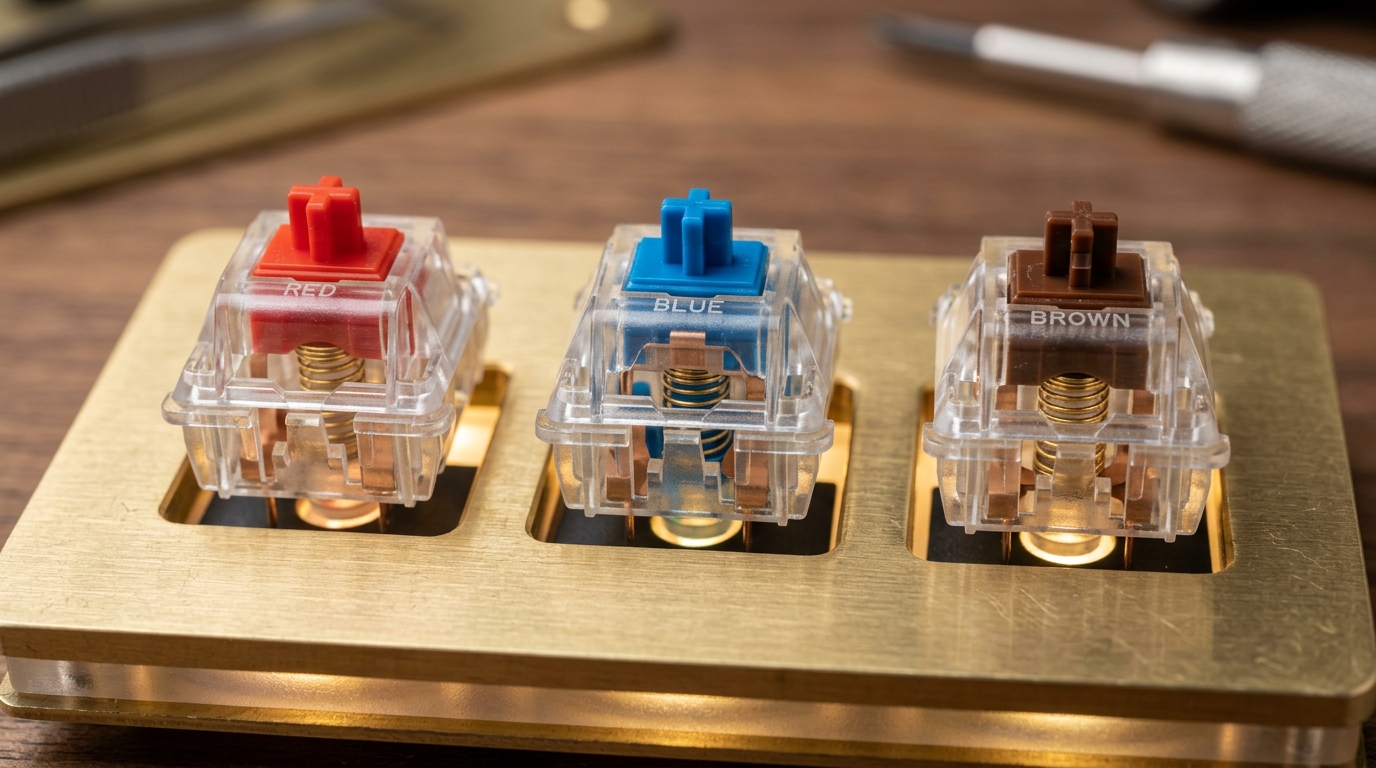
2. Comparing Switch Types: Red vs. Blue vs. Brown
| Switch Class | Color Standard | Actuation Force | Key Characteristic & Sound | Best For Typing Speed |
|---|---|---|---|---|
| Tactile | Brown (Cherry MX, Gateron, Boba U4T) | 45g – 55g | Gentle tactile bump at actuation point; moderately quiet. | Top recommendation for pure touch typists. The bump provides instant physical confirmation that the letter registered without needing to look down. |
| Linear | Red / Yellow (Cherry MX Red, Speed Silver, Oil Kings) | 40g – 50g | Completely smooth, straight glide from top to bottom; whisper quiet. | Highest raw sprint speeds for expert typists. However, because there is no tactile bump, beginners may suffer higher typo rates from resting heavy fingers on keycaps. |
| Clicky | Blue / Green (Cherry MX Blue, Kailh Box White) | 50g – 60g | Crisp, snappy click sound accompanied by a tactile snap. | Satisfying typewriter feel. Great for deliberate accuracy, but the heavier actuation force can cause hand fatigue during long 2-hour writing sessions. |
3. What is the Best Keyboard for Fast Typing in 2026?
When shopping for the optimal keyboard to maximize your Words Per Minute, look for the following three specifications:
- N-Key Rollover (NKRO) & Anti-Ghosting: When typing over 100 WPM, multiple keys are depressed within milliseconds of each other. NKRO guarantees that every single keystroke is registered without jamming or dropped characters.
- 1000Hz (1ms) Polling Rate: High polling rate ensures zero USB interface latency. Your keystrokes appear on-screen instantaneously.
- PBT Keycaps with Cherry or OEM Profile: Textured PBT plastic resists fingertip oils, preventing slippage during intense typing sprints.
4. Diagnose Your Switches & Latency
Before investing hundreds of dollars in a new keyboard, test your current board for sticky contacts, key chatter (double-typing letters), or ghosting:
Put Your Keyboard to the Test
Test your typing speed and switch response on our zero-latency typing engine.
Start Free Typing Test